
Walton VINE Arrest Coverage
Walton County takes part in Florida VINE. The WCSO Victim's Rights page connects straight to VINELink and posts the Florida VINE line, 1-877-846-3435. County jail inmates, Florida Department of Corrections inmates, and supervised offenders all fall inside the service. It reports custody or supervision status and supports notices. It does not replace the WCSO roster.
Coverage follows the record holder. A Walton County Jail booking must reach VINE before anyone can search it or receive a notice. Someone moved to state custody may appear through FDC data instead. Federal custody sits outside VINE. Immigration custody sits outside it too. Those cases need the separate federal or ICE locator.
Check a Walton Arrest on VINE
Start at the official Florida VINELink search. Search for one person, not a browsing list. The vendor updates the form at times, so follow the live labels and add a second identity fact when you can.
- Open Florida's VINELink screen.
- Choose Florida and the county, facility, or agency option when requested.
- Enter the person's name or an accepted identifier.
- Use a birth date, booking identifier, or other available fact to reduce mistaken matches.
- Open the matching record and read its current status and agency information.
- Use “Get Notified” only after confirming the correct person.
A common name can return several results. Never pick a record on the name alone. If nothing appears after a very recent Walton arrest, check the WCSO portal and the jail line before assuming no booking happened.
Florida VINE Search Screen
The official Florida VINELink interface provides the state and county custody search.
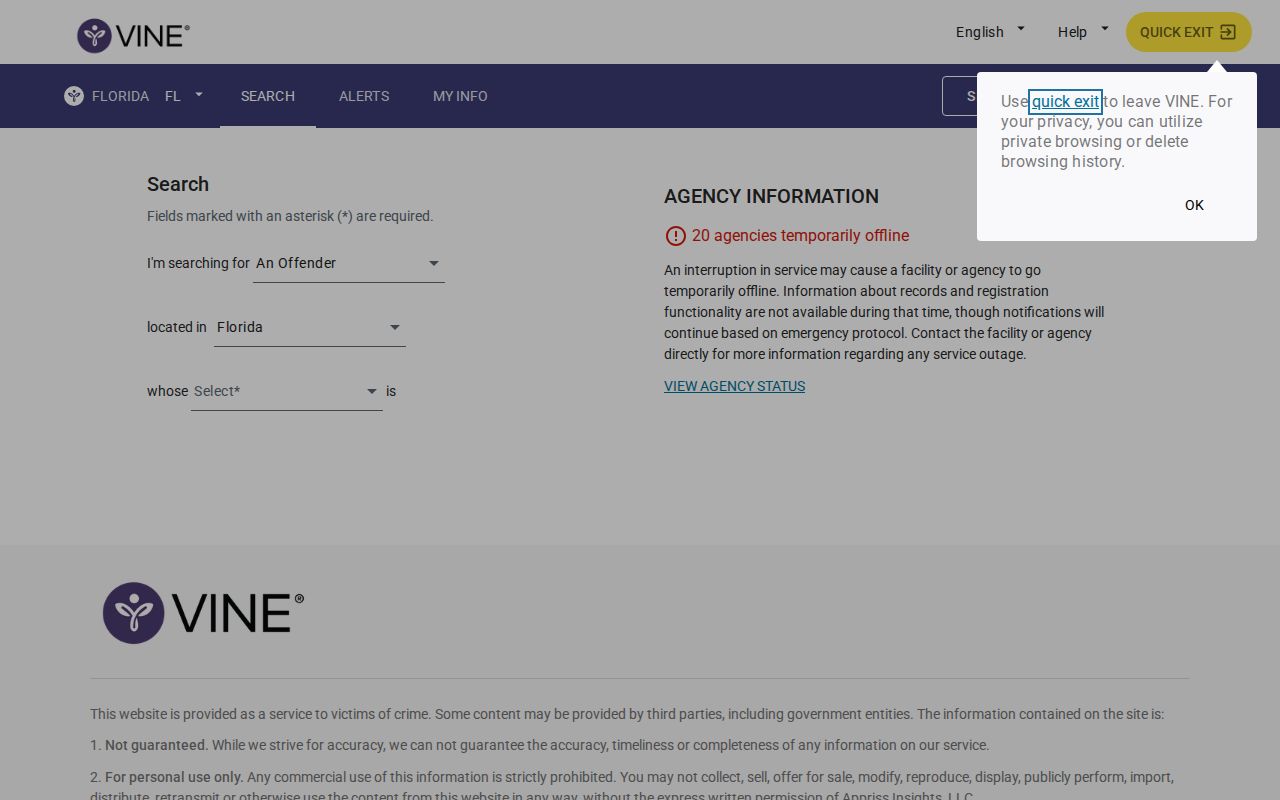
The Florida VINELink landing screen marks where a search starts. Read current status from the live service only.
Walton VINE Result Fields
VINE is a status and notification service. It is not a court docket or historical arrest report. Available fields depend on what the participating agency supplies and how the current interface shows that data.
| Result item | Use and limit |
|---|---|
| Name or identifier | Helps match the custody record; verify with another fact. |
| Custody status | Reflects received agency data and may lag a new event. |
| Facility or agency | Shows the source or location when supplied. |
| Notification eligibility | Indicates whether alerts can be registered for the record. |
| Status event | May concern release, transfer, escape, death, or supervision change. |
The WCSO roster and records unit are the right sources for a Walton booking photograph. VINE will not supply one. Court charges live with the Walton Clerk. A jail status never explains how a case ended.
Register for Walton Custody Alerts
Pick the right record first. Then use the registration or "Get Notified" control. Florida VINE registration is free and confidential, with delivery by phone, text, email, or the mobile app, though choices may depend on the event and the current service design.
- Confirm the person and agency on the result.
- Select “Get Notified” or the current registration command.
- Choose phone, text, email, or app delivery.
- Enter and confirm the requested contact details.
- For phone registration, create the required four-digit PIN.
- Keep the PIN secure so notices can be checked or managed.
The PIN confirms receipt and manages a phone registration. It is not a booking number or a jail access code. Keep contact details current, because a disconnected number or a blocked message can stop a notice from arriving.
VINE Alert Registration View
The national VINELink service opens the "Get Notified" workflow after a custody result is picked.
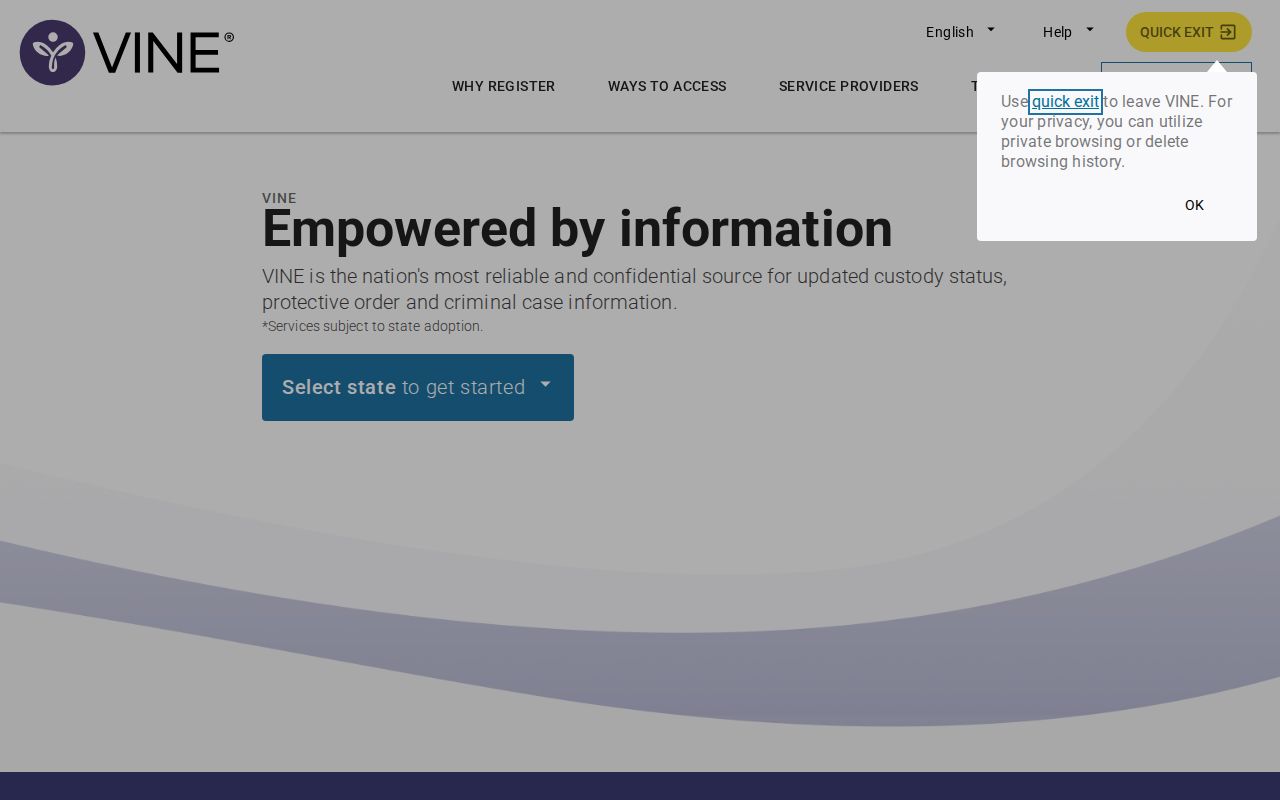
This interface handles alert enrollment only. It is not a Walton booking feed.
Walton CommunityConnect VINE Launch
WCSO's VINE and Versaterm CommunityConnect system went live February 19, 2026. The design reaches far past a roster alert. Updates can begin with the initial 911 call. They run through judicial proceedings, incarceration, protective orders, and release. A victim's phone number can even be entered into computer-aided dispatch after a call. The official WCSO launch notice documents the full rollout.
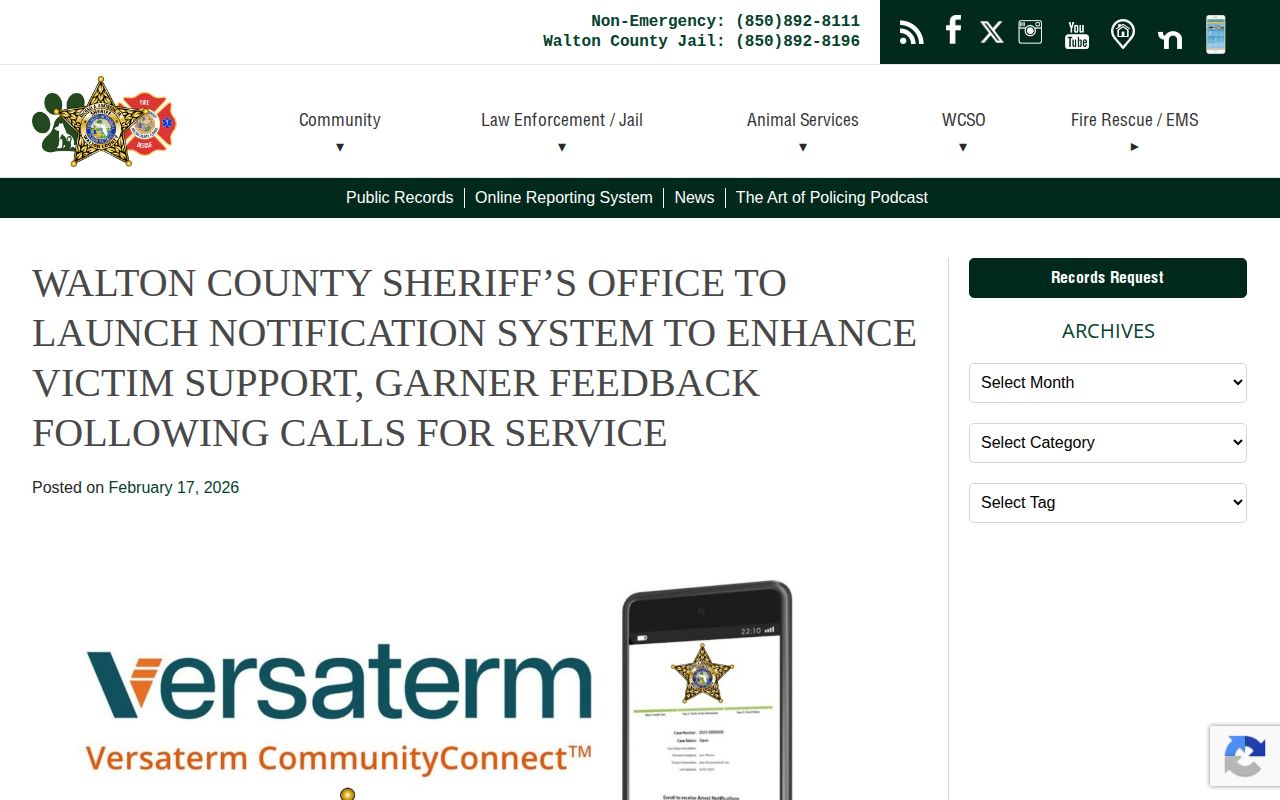
The announcement spells out the Walton-specific notification path. That path is not a booking-photo page.
Walton Arrest Alert Events
Alerts can cover release, transfer, escape, death, or a change in supervision status. Coverage depends on the record. A "transfer" means the person moved between facilities or systems. "Supervision" points to monitored status outside a jail or prison. Read alert wording as a status change, not a full explanation of the case.
Never lean on VINE as your only safety plan. Call emergency services for immediate danger. Confirm odd notices with the listed agency or Walton County Jail. Release dates can shift, and a status message may arrive after the underlying agency event. Registration builds awareness. It never guarantees advance notice.
Fresh Walton Arrests May Lag
A new arrest passes through transport, intake, fingerprinting, classification, photography, and jail data entry before VINE sees it. VINE then waits on a transmitted and processed agency event. That chain creates a gap. Fresh records lag. WCSO promises no fixed minute for a new booking to reach the roster or VINE.
Check the Walton Arrested Today page first. Timing matters? Call Walton County Jail at (850) 892-8196. A public-records request can fetch the booking record or photo. It is not the fastest emergency custody check.
VINE Is Not an Arrest Archive
A person released from custody can drop off VINE's current results. That Walton booking still exists. The record may sit in WCSO files or the Clerk's case long after VINE stops returning it. An FDC result points to state incarceration or supervision, not a fresh Walton County arrest, and that distinction matters because each system answers a different question.
- Booking
- Jail intake following an arrest or court action.
- Custody
- The person's current held status as reported by an agency.
- Transfer
- A move to another facility or custody system.
- Disposition
- The court's recorded outcome of the case.
VINE is not the only WCSO tool, and the others do different jobs. The Public Safety App handles recruiting and ride-alongs. GettingOut covers calls and video visits. Neither works as a public booking locator. VINELink sends the alerts. Inmate Inquiry searches county custody. Walton Clerk holds the court layer. For a full picture, pair custody status with the official jail record. Add the later Clerk disposition too. Save the agency name and the time of any status check. Never capture or share another person's contact details, PIN, or notification settings.
Confirm Walton VINE Notices
Read the named agency and event before acting on an alert. If the status seems unclear, call the holding agency. VINE improves notice. But the jail controls custody, and the court controls release orders. Keep emergency contacts and a personal safety plan separate from the notification service.
Public Record Search
Sponsored Results